Professional Screen Recording
& Live Streaming Platform

Download OBS Studio free - the leading screen recording and live streaming software. Broadcast to Twitch, YouTube, Facebook Live, or record your screen with professional-quality output. 100% free, zero watermarks!
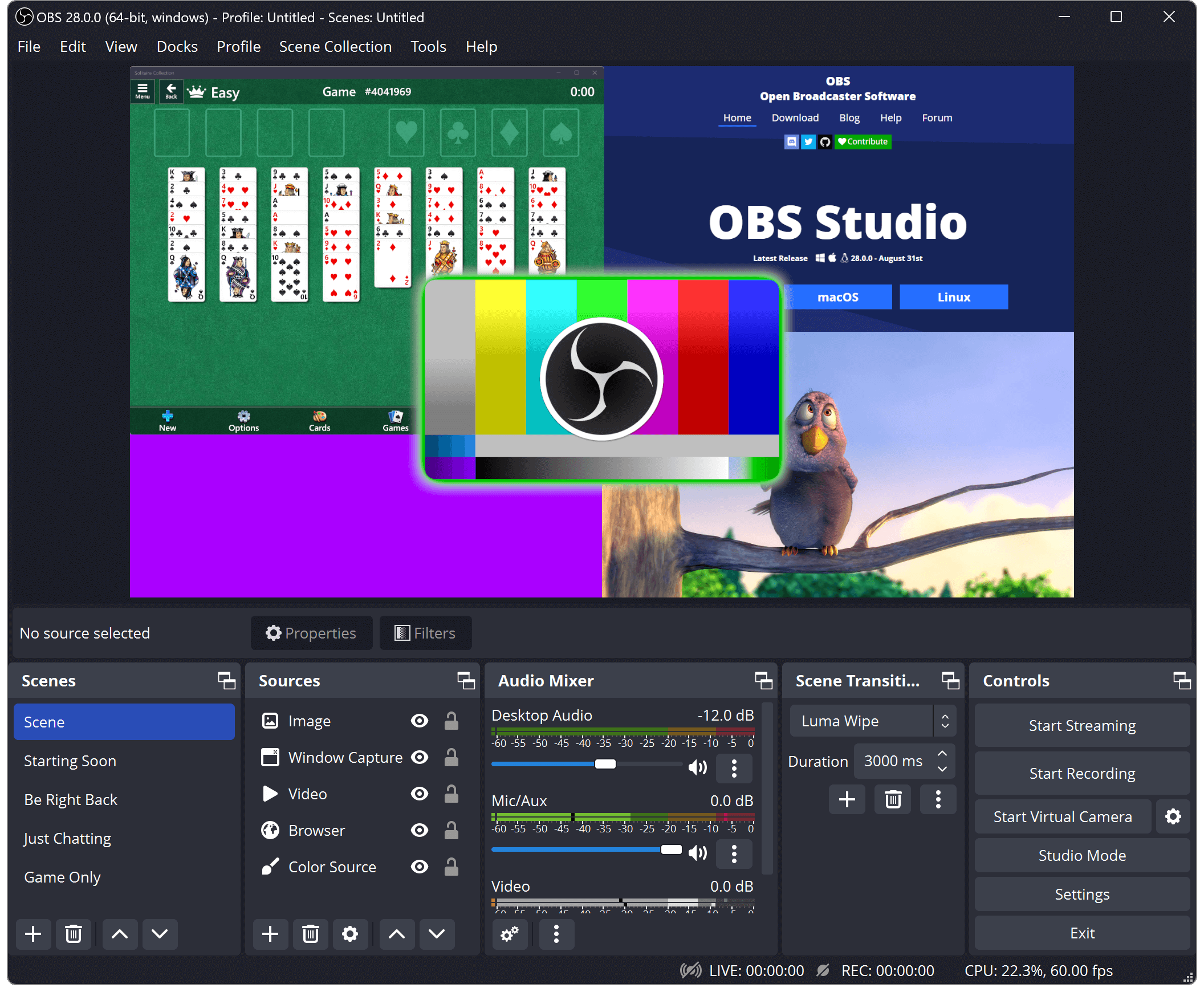
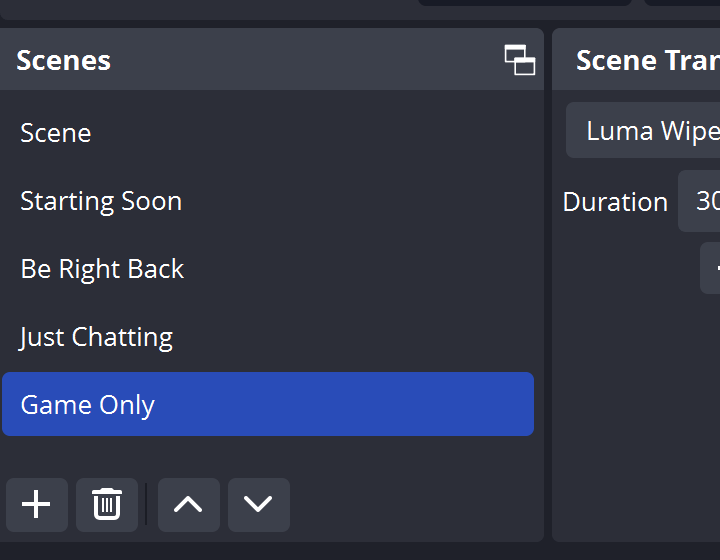
OBS Studio Interface - Free screen recorder and streaming software

Complete Solution for Content Creators

Discover why millions of streamers and creators globally trust OBS Studio for their screen recording and live streaming requirements.

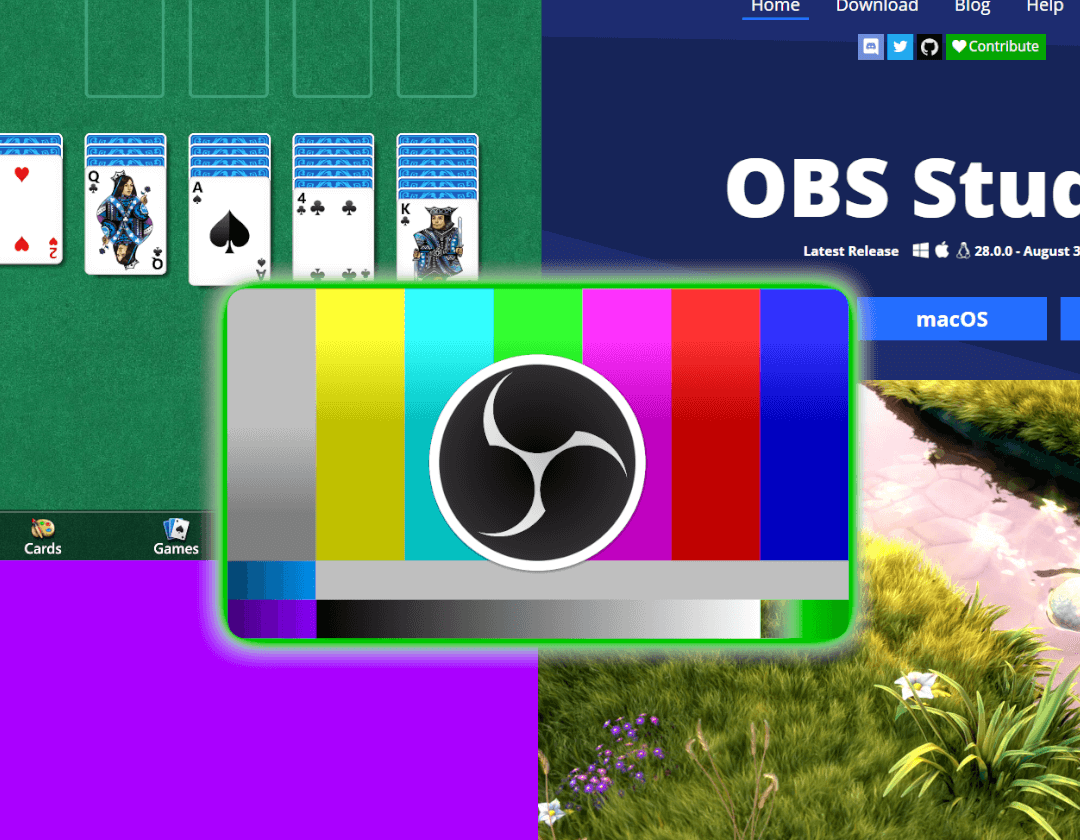
Multiple Scenes and Sources

Flexible Scene Management

Create unlimited scenes by combining webcams, screen captures, game footage, images, text overlays, and browser sources. Instantly switch between layouts for professional broadcasts.

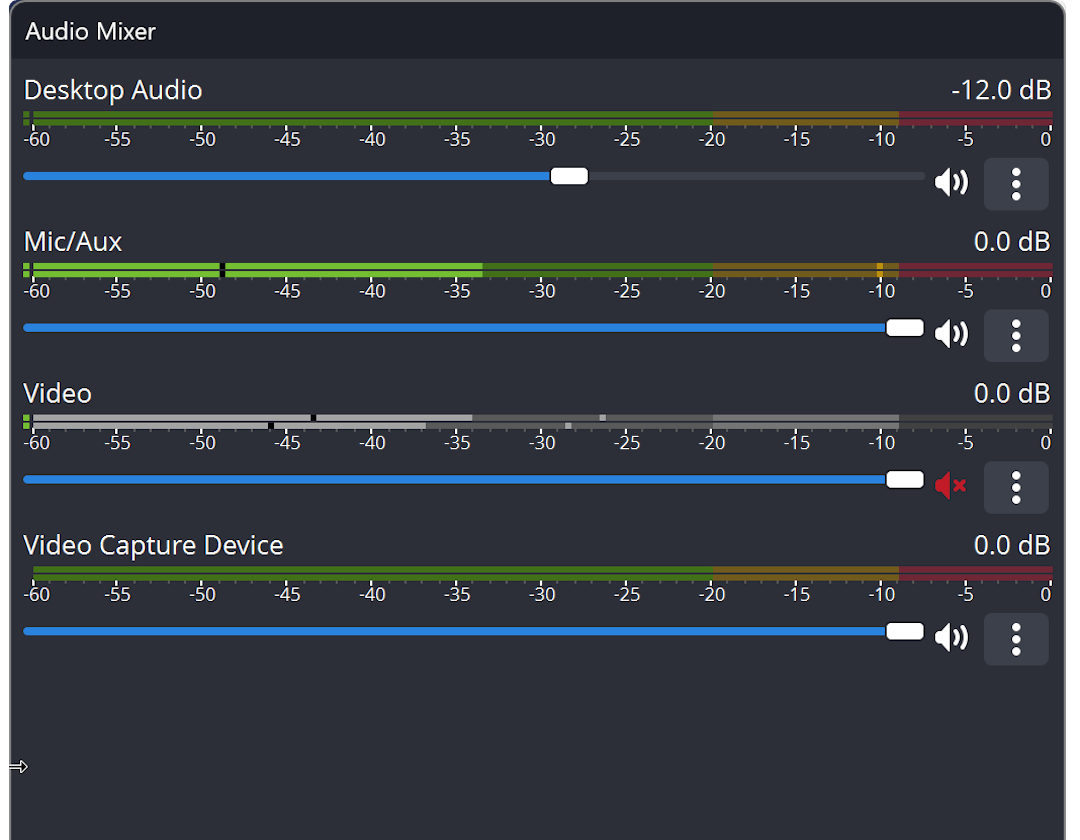
Audio Mixer Controls

Professional Audio Control

Advanced per-source audio mixing featuring noise suppression, noise gate, and gain controls. Complete VST plugin support guarantees broadcast-quality audio for your streams and recordings.

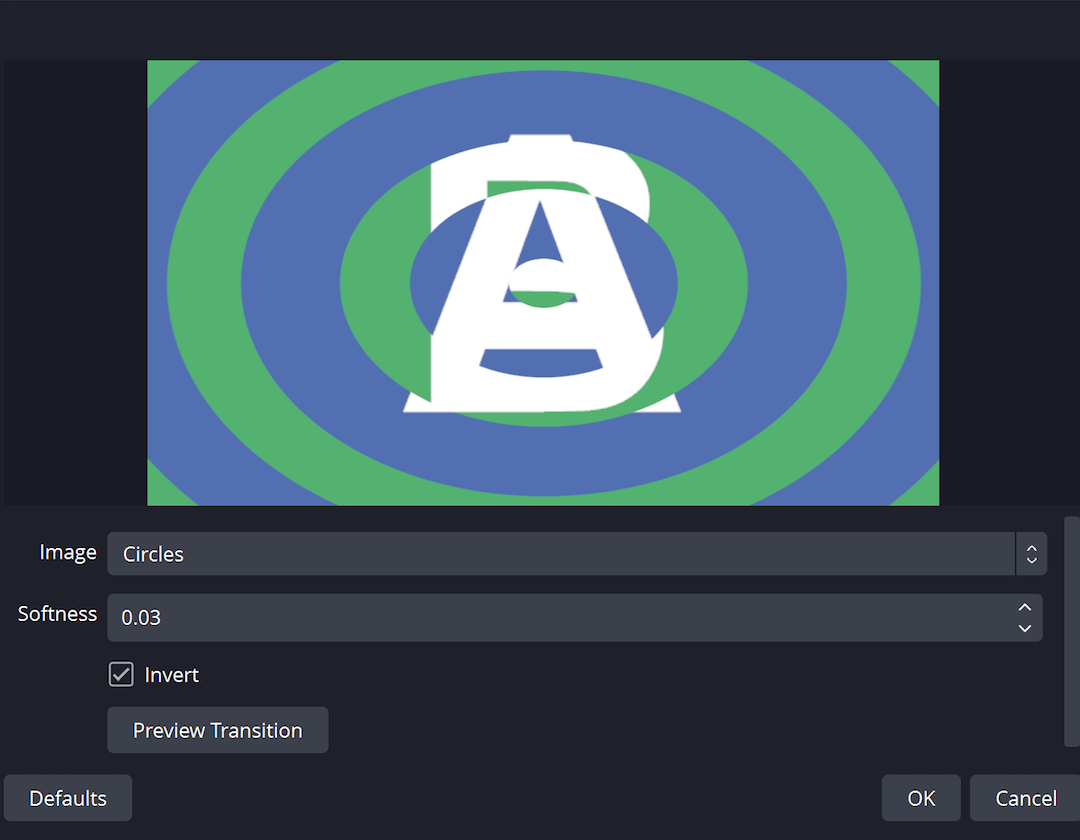
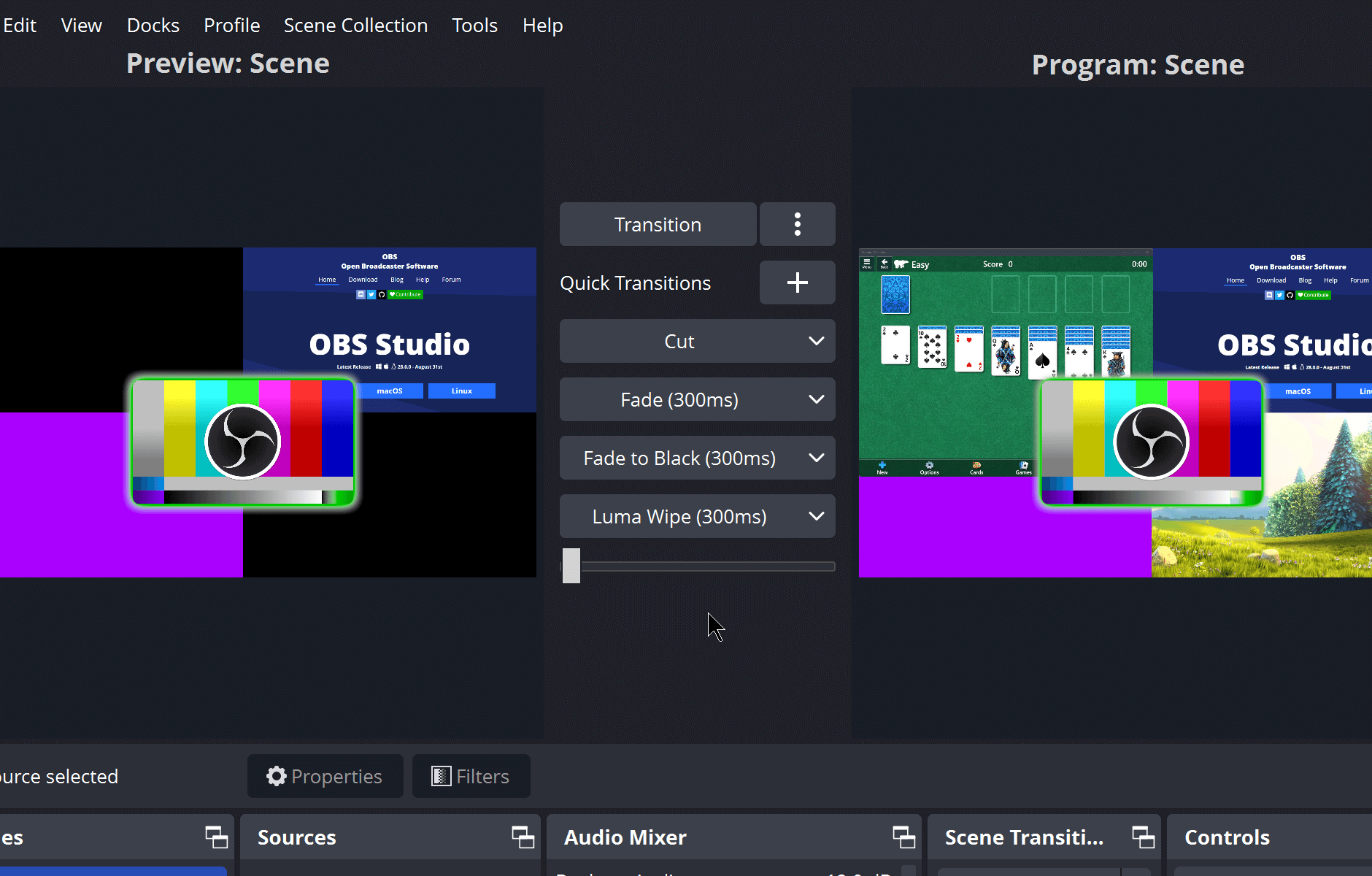
Scene Transitions

Smooth Scene Transitions

Choose from built-in transition effects or import custom stinger videos. Create seamless, professional scene changes that improve your streaming presentation.

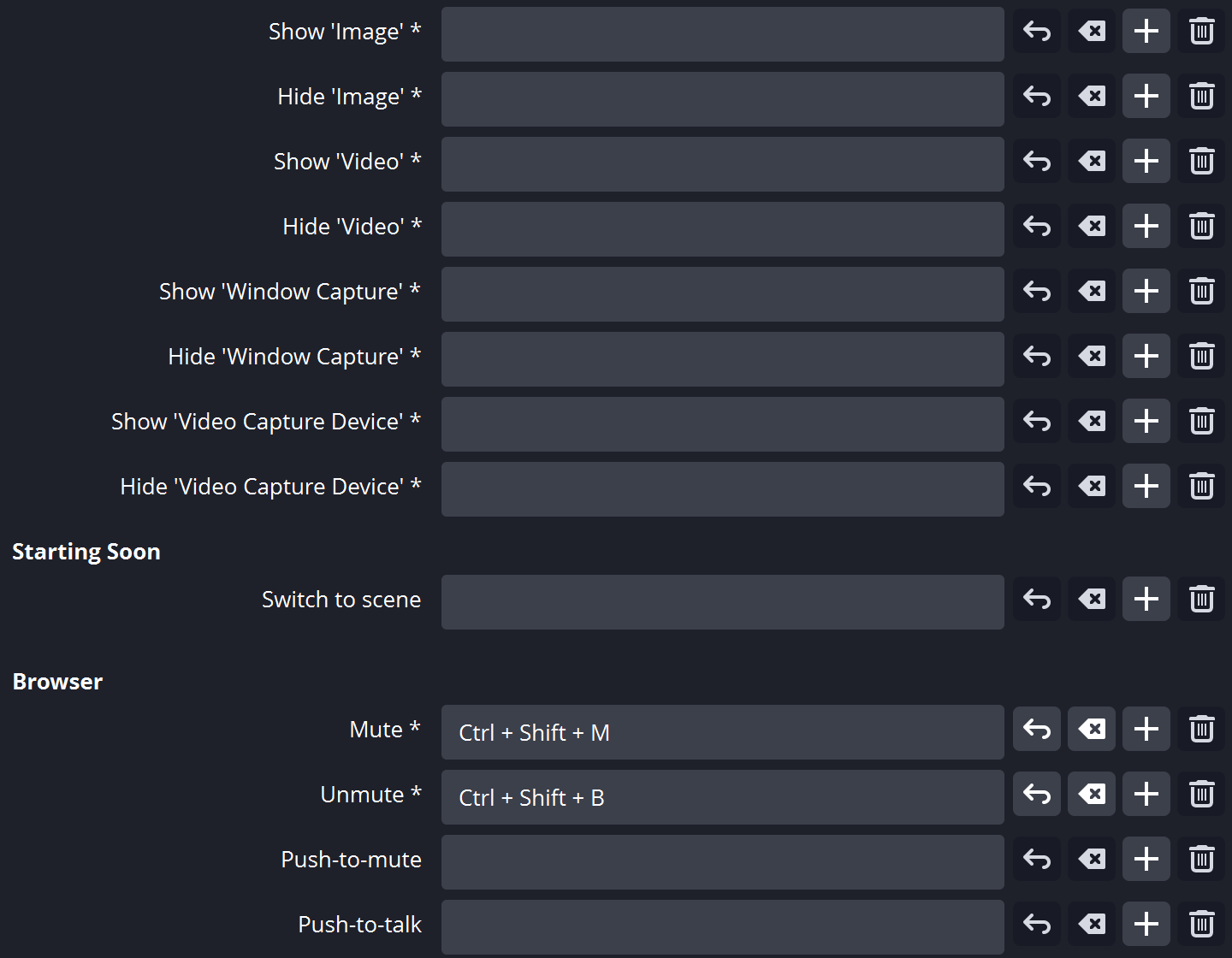
Keyboard Shortcuts

Comprehensive Hotkey System

Set up keyboard shortcuts for scene switching, recording control, audio muting, push-to-talk functionality, and nearly every action in OBS Studio for streamlined workflow.

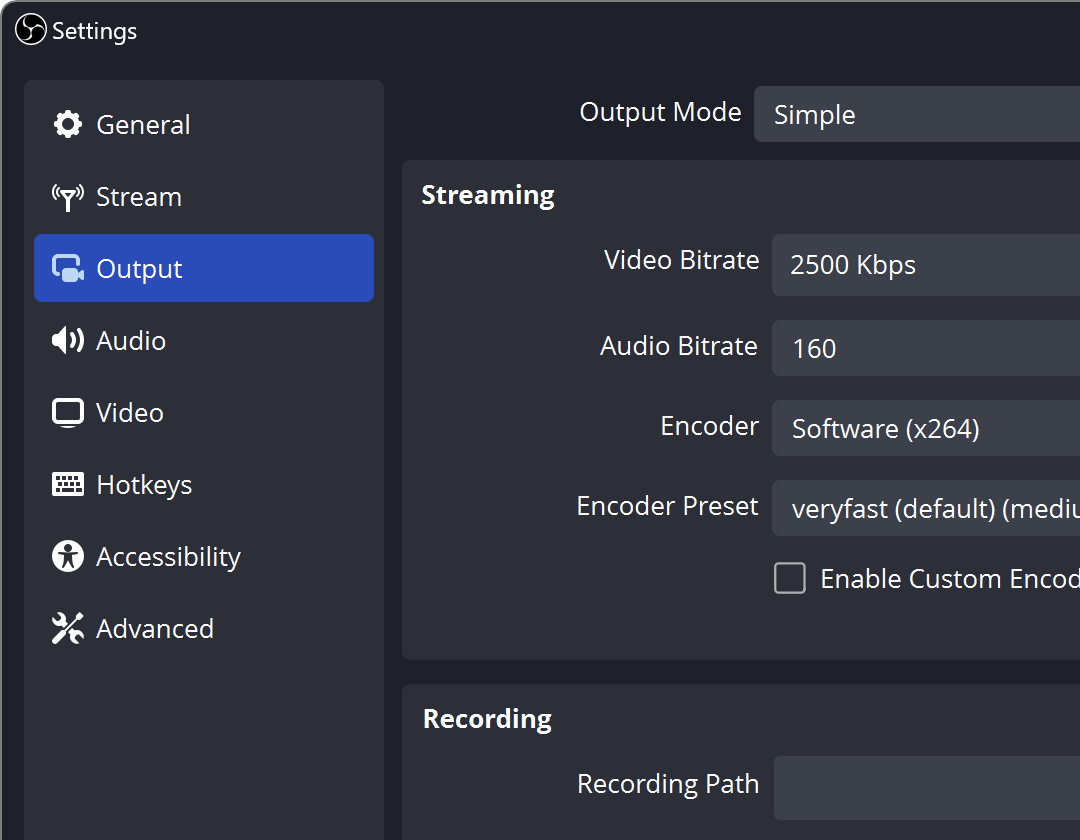
Configuration Options

Extensive Customization Options

Fine-tune every aspect of your stream and screen recording with detailed settings. Optimize encoding, bitrate, resolution, and output formats to suit your requirements.

Customizable Interface

Flexible Dock Layout

Customize your workspace by rearranging interface panels. Detach individual docks into separate windows, ideal for multi-monitor streaming configurations.

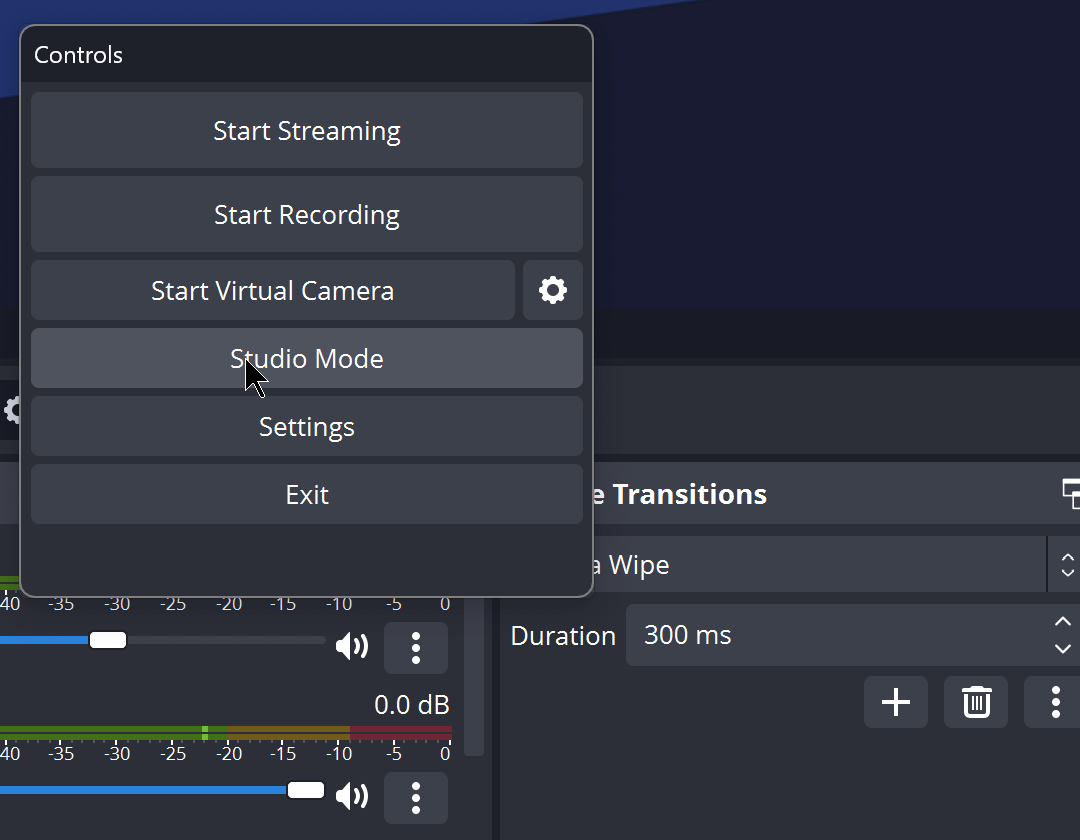
OBS Studio Mode - Preview and edit before going live

Preview and Edit Before Going Live

Studio Mode provides an independent preview window for preparing and adjusting scenes before going live. Fine-tune your setup, test transitions, and ensure everything looks perfect before your audience sees it.

  • Real-time preview of scene modifications
  • Professional transition workflow
  • Edit sources without interrupting your stream
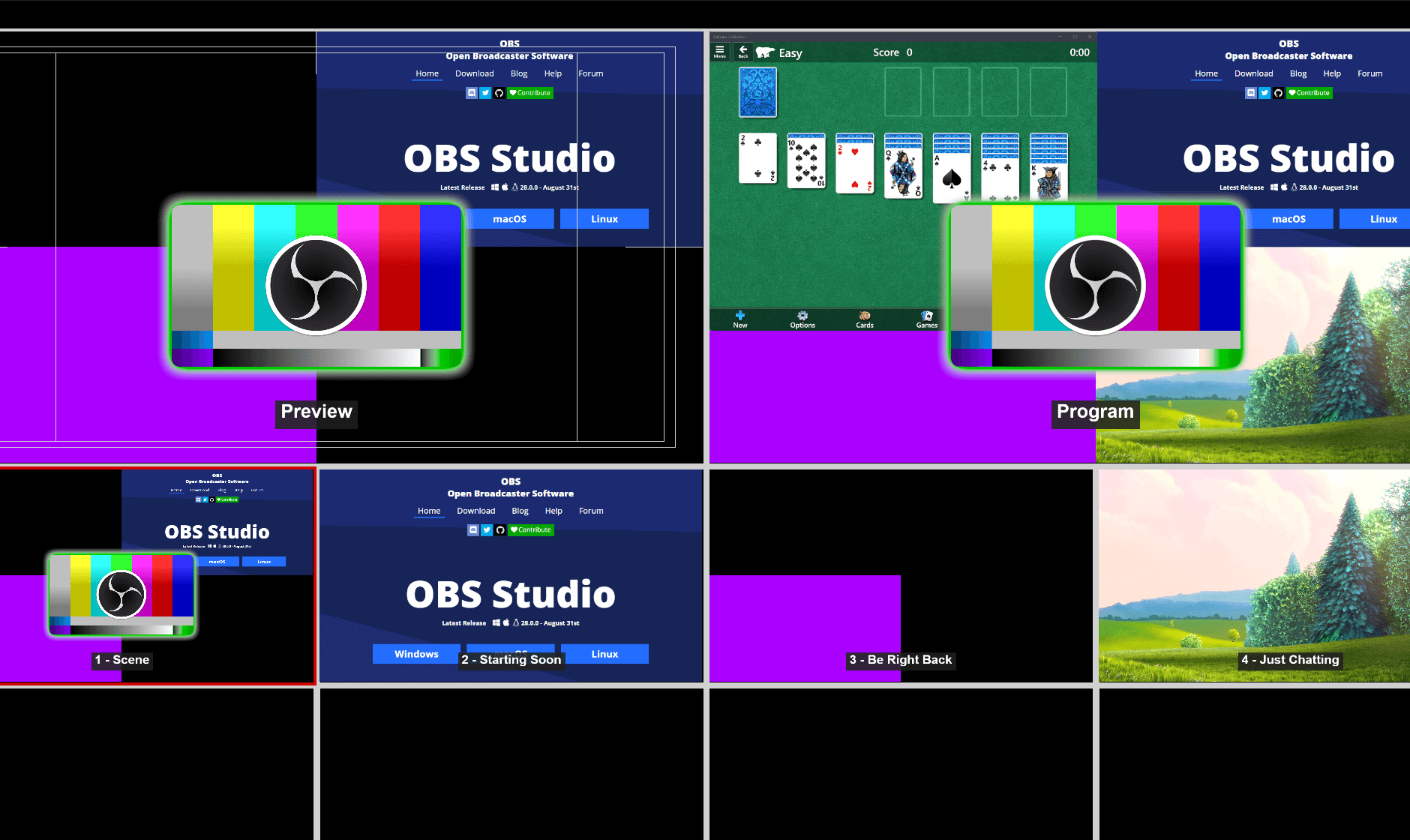
OBS Multiview - Control multiple scenes simultaneously

Complete Production Control

Gain full visibility of your production environment with Multiview. Monitor up to 8 scenes simultaneously in one unified view, allowing quick switching to any scene with a single click for efficient broadcast management.

  • View 8 scenes at once in grid layout
  • Instant scene activation with single click
  • Professional-grade multi-camera management
OBS Plugins and Scripts

Expandable with Plugins & Scripts

OBS Studio features a powerful API that supports plugins and scripts for extended functionality. Use community-developed extensions or build custom solutions to add features tailored to your specific streaming and recording needs.

  • High-performance native plugin architecture
  • Lua and Python scripting support
  • Vast library of community-developed extensions
Free & Open Source

Download OBS Studio Free

Works on Windows and macOS. Start streaming and recording in minutes!

Latest version: 32.0.4 • View on GitHub

Broadcast to Any Streaming Platform

OBS Studio works seamlessly with all major streaming services and custom RTMP servers.